Open source
Transparent and auditable.
 Outpost VPNBeta
Self-hosted VPN, made simple
A private VPN on your own VPS — simple to install, simple to share, and simple to keep working.
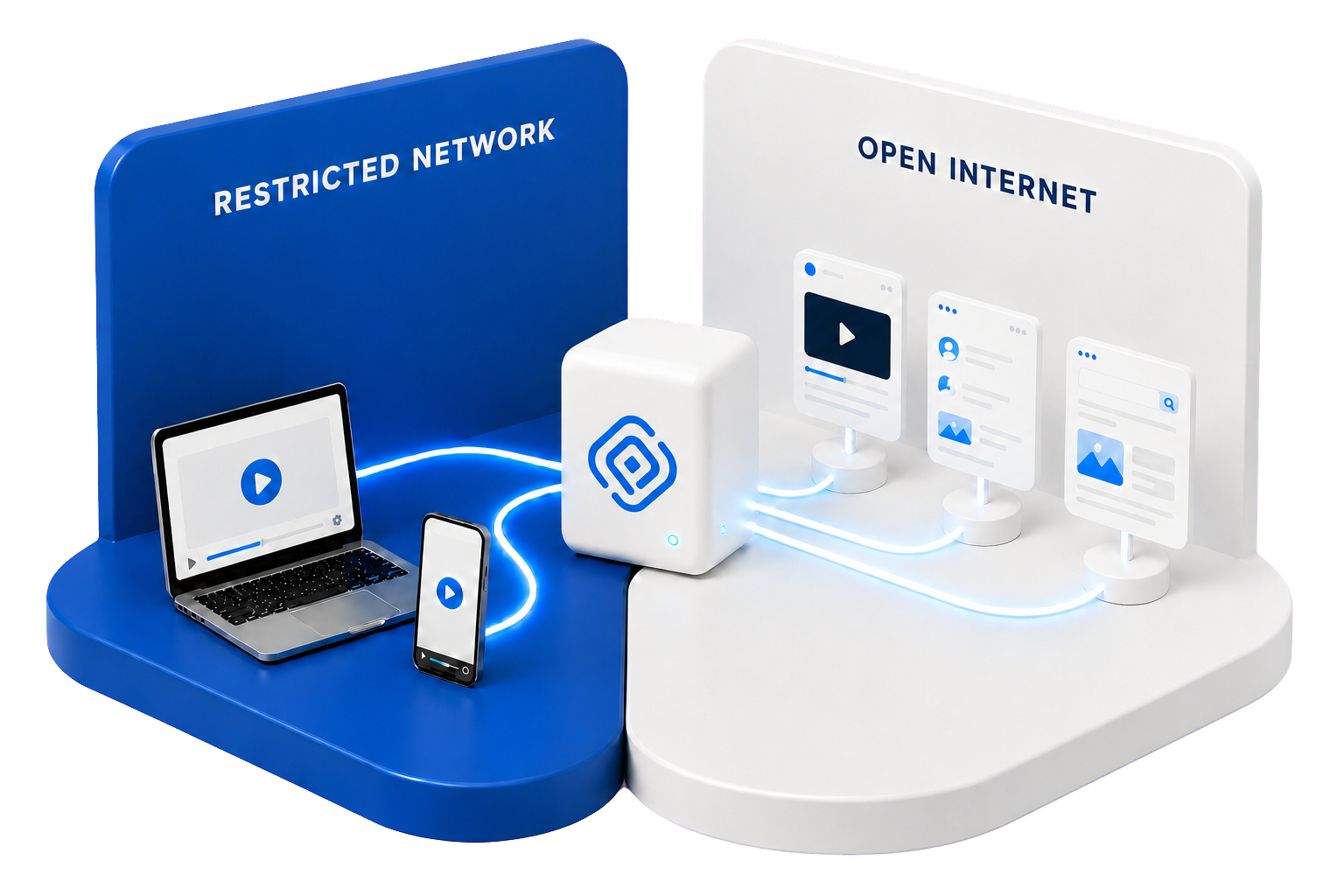
From VPS to VPN — without a terminal
Paste this link into your provider's Post-install script URL field when you create the VPS. Outpost will be ready when the server starts.
https://outpostvpn.xyz/install.sh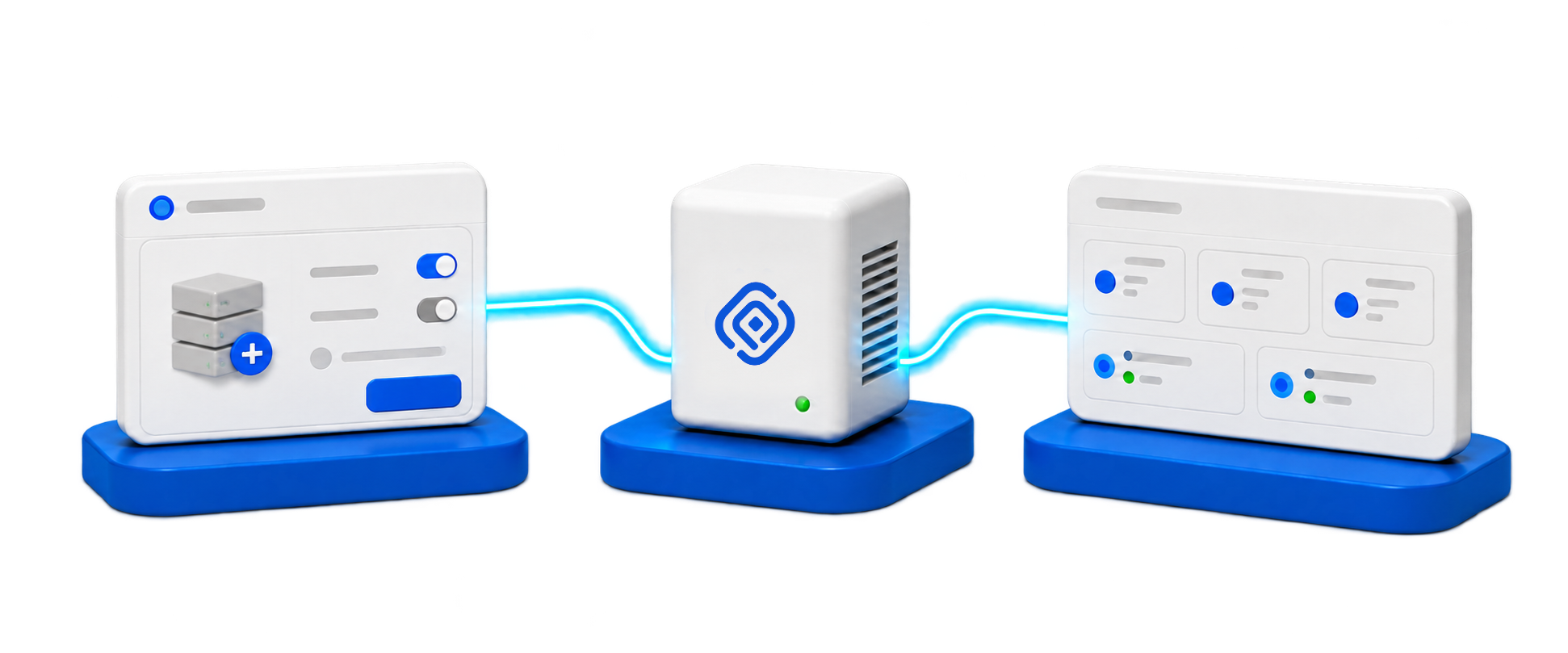
Create a fresh VPS in your provider panel and paste the Post-install link before launch.
Requires a clean Ubuntu 24.04 amd64 VPSOutpost installs automatically, prepares a temporary HTTPS certificate, and becomes available at your server's IP address as soon as the VPS starts.
Open that address in any browser and connect your domain for a permanent HTTPS certificate. Then manage connections, routing, profiles, updates, and the rest of your VPN there.
Everything in one place
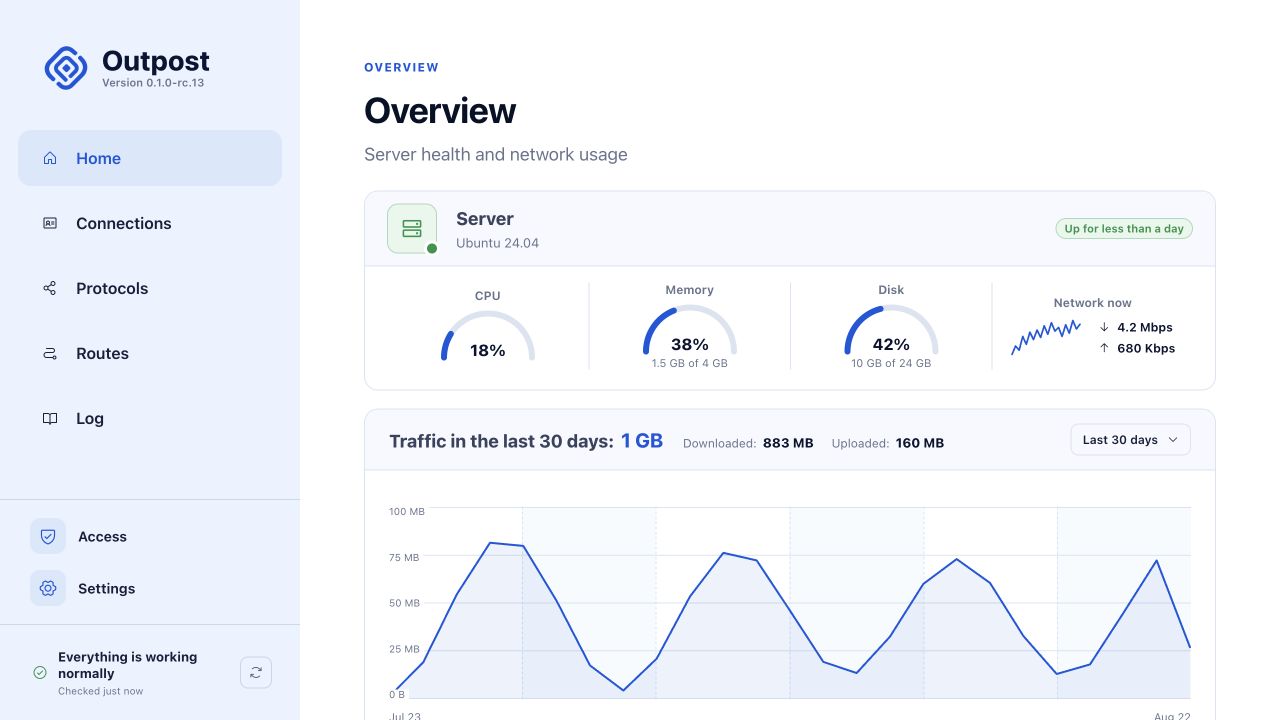
See server health and traffic, create connections, publish routes, configure Hysteria 2 and Xray, install updates, and maintain the server — all from the browser.
One link. Every major platform.
Outpost works with a growing range of compatible VPN clients across iOS, macOS, Android, Windows, and Linux. Pick the app you prefer and add the connection with a link or QR code.

Built for heavy blocking
Outpost gives compatible clients two encrypted ways to reach the same server. Both are built for difficult networks. Set their priority centrally, and add future transports without replacing every client link.

Split tunneling, managed centrally
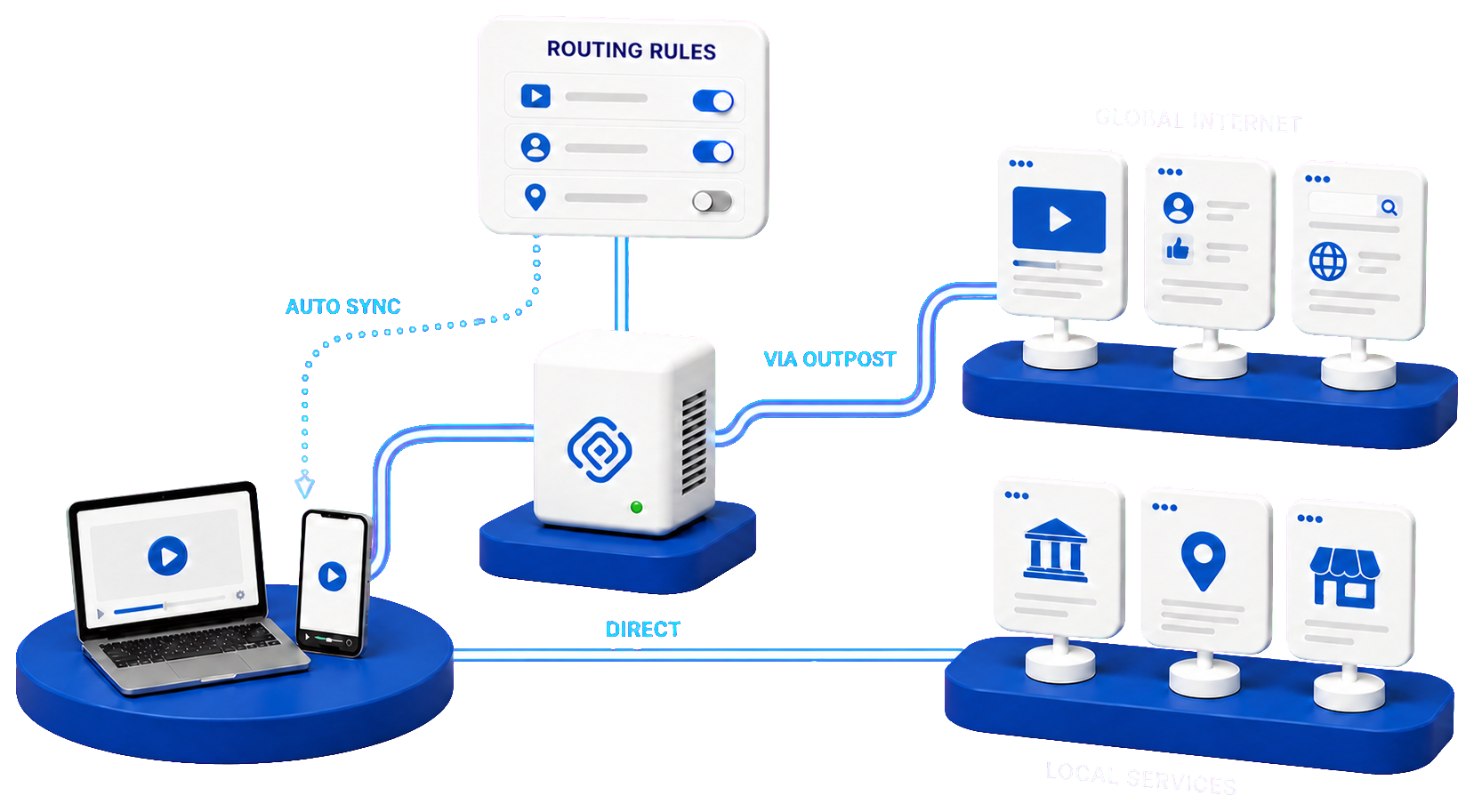
Blocked and selected destinations travel through your server. Local services and anything you choose can connect directly, keeping local speed and location.
Outpost publishes the routing policy centrally. Compatible clients download updates automatically through the same subscription link — no manual changes on every device.
Your server. Your control.

Transparent and auditable.
You own the server and control the data.
Outpost does not inspect your traffic.
Install and manage Outpost through native MCP.